Shopify is one of the easiest solutions when you want to start your online e-commerce business store. By spending just $1 per month, you get time to evaluate all of the plan features and plan the best future for your business. Utilize an easy and hassle-free software that you can customize without any prior technical knowledge or experience.
PROS
CONS
There are many reasons why you should choose Shopify as your go-to platform for starting an online store. But what are some things that you need to know before subscribing? And is it really worth it?
If you are to take my verdict, going ahead Shopify can give you more time to focus on your product and business with the time saved by eliminating complexities.
Until you determine if it’s the right fit, an affordable base plan pricing, a 3-day Shopify free trial, and a 3-month trial at $1 per month allow you to utilize the trial period fully and decide upon the subscription.
I have shared my extensive experience with Shopify in detail. This article provides a comprehensive overview of all features and a few drawbacks of Shopify.
🔥 Claim Shopify for 90 Days at $1/mo
Use this exclusive link to subscribe to any Shopify plan.
TL;DR Shopify Review

(offer applicable to all plans)
Who Is Shopify For?
Shopify is an ideal choice for new entrepreneurs and small to medium-sized businesses to get a platform to sell products and services online. If you are a business that sells the following, Shopify should be the choice for you:
-
Apparel
-
Gift boxes
-
Art and decor
-
Online services
-
Online masterclasses
-
Electronics and gadgets
While these are only a few examples, the possibilities and choices on Spotify are actually limited. Here’s a list of 50 Shopify stores that are using Shopify for their online business.
Who Is Shopify Not For?
Shopify is not for someone who is not looking to scale their business online and only has it running at physical locations.
Alternatively, if you are selling digital products and services, I don’t think Shopify can be a fit for you.
Getting To Know More About Shopify
Shopify is a simple yet powerful eCommerce platform that lets you create an online version of your business in the form of a Shopify store.
This powerful eCommerce platform was born back in 2006 when the founders, Tobias Lütke and Scott Lake, wanted to sell snowboarding equipment online and could not find a suitable platform.
Ever since then, Shopify has generated over $700 billion in sales, making it one of the top e-commerce platforms in the world.
Suitable for beginners and experts, Shopify does not require any coding skills. But, as a seasoned entrepreneur or expert, having some e-commerce and coding knowledge would help.
An expert can edit the storefront with the help of the CSS and HTML files available on the store’s backend and build a better store.
One unique feature of Shopify that impressed me significantly is that you can manage online and offline stores with the same platform. I have explained the Shopify POS system in detail further in my article.
Does Shopify Offer Value For Money? (Pricing Structure)
Shopify offers three different subscription plans to host your online store –
- Basic
- Grow
- Advanced
Before we get into the details of the plans, here’s some good news for you!
Without the special offer, Shopify subscription plans start at $39/mo, which is an ideal plan for beginners.
In the table below, I have compiled the basic features that Shopify offers across all the plans.
Shopify Pricing Plans
Read how each Shopify plan compares, the features it offers, and what are the key differences between them.
| Inclusions | Basic | Grow | Advanced |
|---|---|---|---|
| Price paid (Monthly) | $39/mo | $105/mo | $399/mo |
| Price paid (Yearly) | $29/mo | $79/mo | $299/mo |
| Staff accounts | 2 | 5 | 15 |
| Reports | Basic | Standard | Advanced |
| Shipping Discount | Up to 77% | Up to 88% | Up to 88% |
| Fraud analysis | ✅ | ✅ | ✅ |
| Transaction Fees (if not using Shopify Payments) | 2.0% | 1.0% | 0.5% |
| Shopify POS | ✅ | ✅ | ✅ |
| Shopify Magic | ✅ | ✅ | ✅ |
Additional Shopify Service Subscription Plans
Apart from the basic plans offered, Shopify offers an alternative subscription for specific needs as per the scale and nature of an organization.
| Shopify service based plans | Price | Best for |
|---|---|---|
| Starter | $5/mo | For small businesses operating via social media and events |
| Retail | $89/mo | To sell in-store |
| Shopify Plus | $2,000/mo | For high-volume business |
Here’s a detailed Shopify pricing breakdown that will help you understand different pricing options and plans from which to choose.
How Does Shopify Work?
Shopify is basically an e-commerce platform that runs on its own servers.
Here, you can simply create your online store with the help of Shopify, and it will be hosted on its servers.
Shopify allows users to set up a store online, add products, track inventory, set shipping, and even build a physical store for the business. It allows users to customize the store, set a theme, and add custom elements that immediately reflect on your business website.
All you need to do is get signed up with one of the Shopify plans.
Note: You can also use the Shopify mobile application to operate or set up your store. However, I recommend you to go with the web version as it is more stable, flexible, and provides a better user experience.
You will find all the necessary apps and integrations in one place on the Shopify App Store.
Once you have set up your store using easy-to-use features and integrations, you will need to proceed with setting up the payment process, CMS, hosting, and other necessary components.
To promote the store, the platform allows users to connect their shop with multiple social media channels, existing blogs, websites, and much more.
Shopify User Interface & Ease of Use
I found the Shopify interface very easy to use and navigate. Beginners and people without technical knowledge can easily use it to create their online store. Besides, if you are facing any difficulties in the process, a wide range of tutorials and resources are available on the website.
You can set up your complete website with the help of the drag-and-drop options. Further, I played around with the store to get good at it, exploring the options and the menus available, and was able to adapt just within one day.
Additionally, several Apps can be integrated with the Shopify store to make the tasks easier and automatic.
Shopify Themes
Presently, Shopify has around 157 Themes. Of these, 12 themes are free, and the remaining 145 are paid. Select the theme that suits your industry and pocket best from the Theme library.
The number of themes available on Shopify is comparatively lower than its competitors, like Wix, which has over 880 themes.
However, what I liked about the Shopify themes was that the platform provides you with themes for your different requirements.
You can choose from various industries and use filters like features and catalog size to find the theme that caters to all your needs.
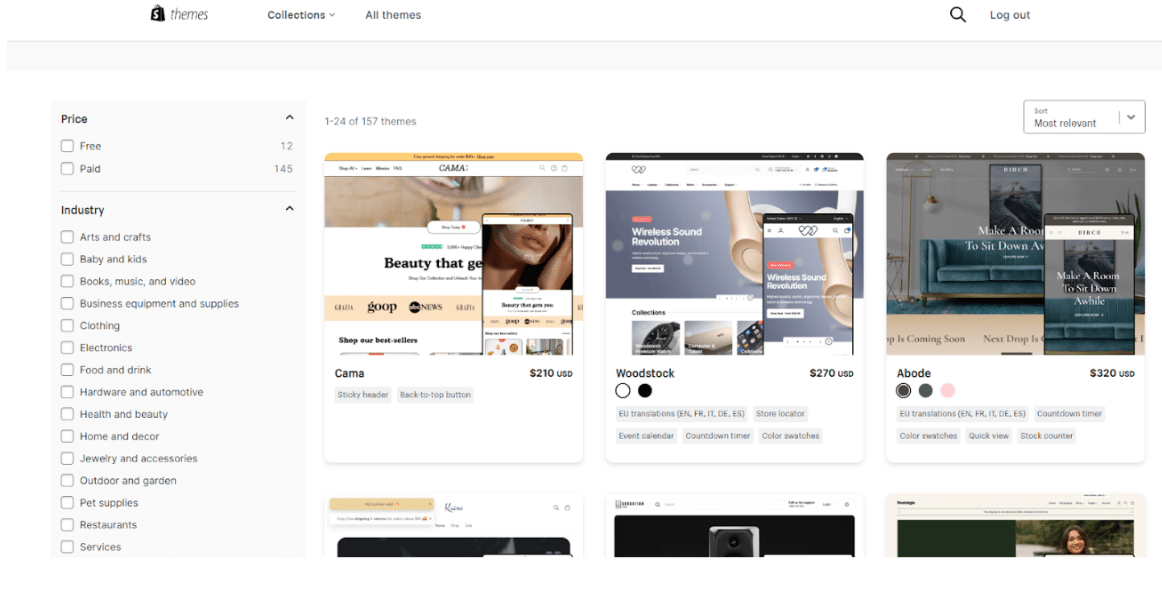
I opted for a free theme named ‘Sense’.’ I discovered that even the free themes are fully responsive and include all the required features for a small business or individual seller.
However, if you are unsatisfied with a free theme, you can opt for a premium theme that may cost you between $170 to $380. These premium themes are aesthetically pleasing and come with some additional features.
What’s Included With a Shopify Subscription?
Next, let us take a tour through all the basic features of Shopify that are available on all the plans.
1. Store Editor
The store editor can be easily used by sellers experimenting with other website builders or e-commerce platforms. However, if you are new to the entire setup, you may need to learn the platform’s workings and explore the options available in the menus.
The learning curve for setting up my store on Shopify was very smooth.

Further, the store editor provides numerous options, like themes, navigation, preferences, etc., to customize your website according to your needs. But if you still cannot achieve your customization goal, you can hire a developer directly or use the Shopify Expert Market.
2. Shopify Apps
Shopify Apps act like rescuers. If you need to add a new feature to your store, there is always a Shopify App for it.
With over 8000 apps available in the Shopify App Store, you can browse them according to your category or directly search for them in the search box.
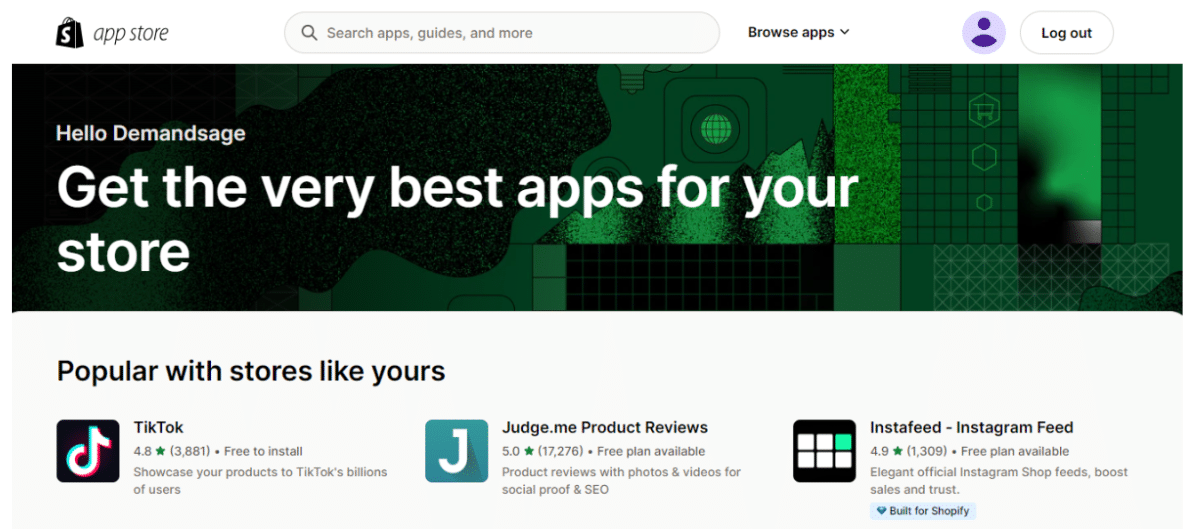
However, if you are worried about the safety and security of your store, then here’s the news: Shopify claims that these apps have to pass through 100 checkpoints before entering the Shopify App Store. Hence, Shopify takes care of your store security, and no malicious apps are listed on the app store.
So, you can choose the apps that fit your needs from the App Store without stressing about security.
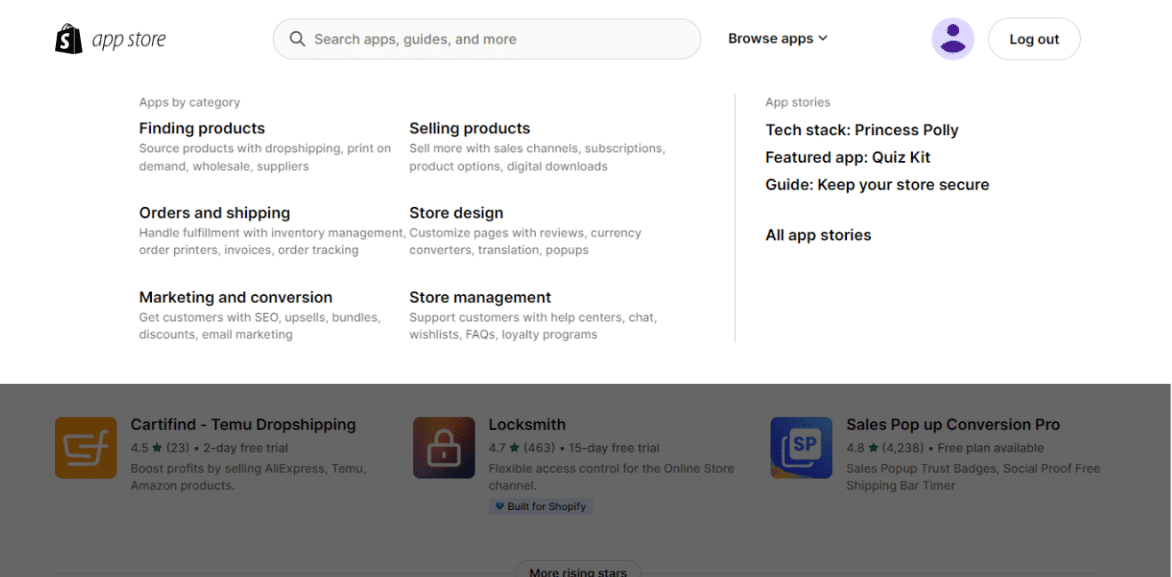
Besides, if you’re a beginner, I recommend customizing your website with the help of free apps available on the App Store, just as I did.
But if you opt for a paid plan on the app, you will have to pay monthly for the selected plan of the App.
3. Checkout
Shopify provides tons of checkout options and lets you customize the checkout page. So, to manage the checkout process of your orders, navigate to the settings and click on Checkout from the right side menu on the settings page.
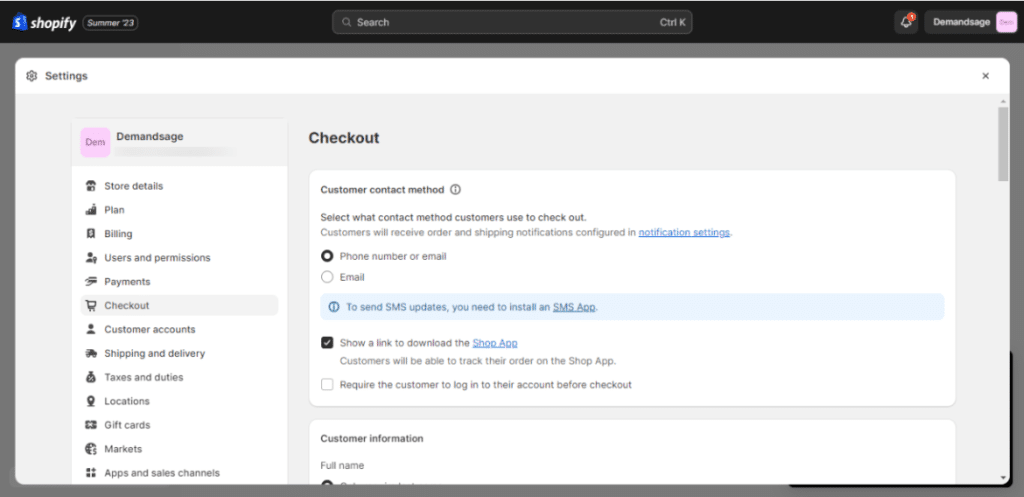
Here, analyzing from the shopper’s perspective, you can make the changes in your checkout settings, making it easier for the shoppers to complete the process. Also, there are around 27 apps available on the Shopify App Store that can help you provide discounts, gift cards, loyalty, reward coupons, post-purchase surveys, etc.
4. Shipping
To access the Shipping and delivery option on Shopify, open the settings from the dashboard and then click on the Shipping and delivery option on the settings menu.
Setting up the shipping and delivery for your brand can be a hassle if you are a beginner. However, you can take the help of the tutorials available on Shopify.

With Shopify, you can opt for domestic or international shipping as required. Plus, you have three options for domestic shipping: shipping, local pickup, and local delivery.
Apart from that, you can save up to 77% on Shipping with the basic plan and up to 88% with the Shopify Advanced plans. The top packages come with the USPS priority and mail cubic pricing system.
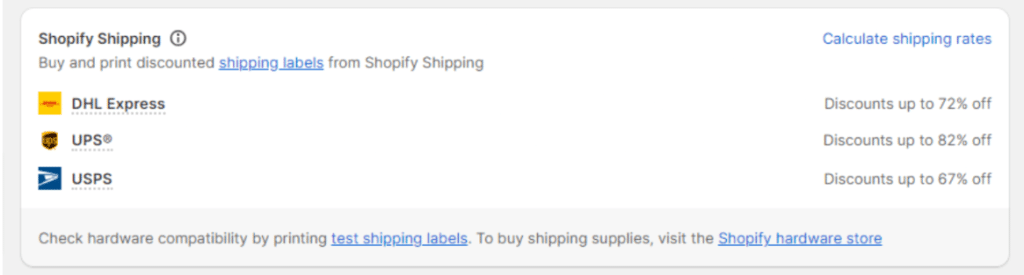
With the USPS parcel system, you can select the cubic pricing system and provide the shoppers with up to $200 shipping insurance on the selected purchases made through the Shopify payments app.
Above all, you can also integrate popular shipping apps like ShipStation, Easyship, etc., with Shopify.
5. Dropshipping
Shopify is one of the top e-commerce platforms when looking forward to starting your dropshipping business.
Dropshipping is an online business model where you take customer orders and then ask the manufacturers or suppliers to fulfill the order on your behalf. You must look after the marketing and advertising part and accept the orders.
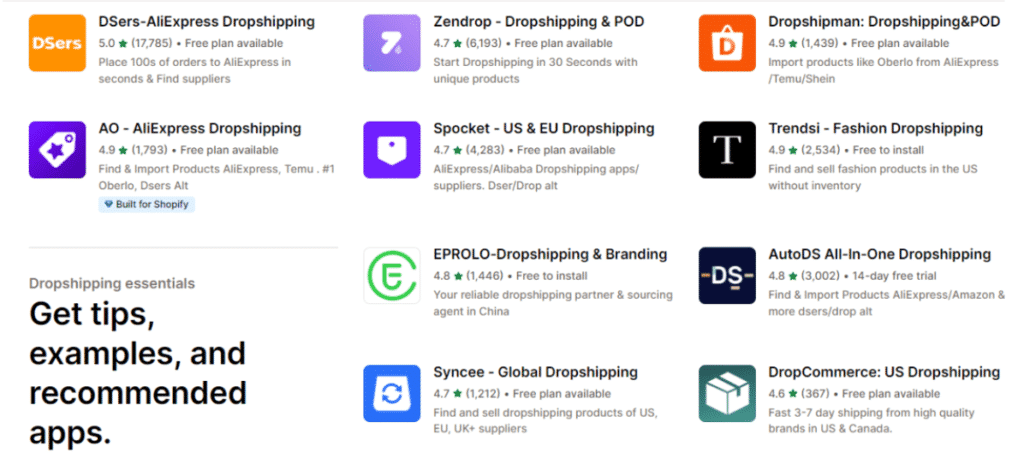
Shopify provides all the required tools and features to set up a dropshipping business. The fun part about dropshipping is you do not have to invest a single penny in the products until you receive an order.
There are almost 472 dropshipping Apps like Aliexpress, etc. that you can easily integrate with your Shopify app. These third-party providers make it hassle-free to start your dropshipping business.
Bonus: Here is a list of the best dropshipping suppliers you can consider while starting your business.
6. Analytics and Reporting
While exploring the Shopify Analytics option, I was impressed by the detailed insights it provides its users with. You can get insights into almost every performance parameter, like total sales, orders received, conversion rates, returning customer rates, top-selling products, average order value, and much more.
It can be overwhelming as a beginner; however, in the long run, you will be able to understand the tactics and the strategies that work best for your store.

The basic plan comes with the basic reports, and the Shopify plan has the standard reports and analytics, while the advanced plan comes with the advanced reporting system.
You will also be able to change and plan the strategy for the next month or next week and experiment with your products by analyzing consumer behavior, top-selling products, sales patterns, profitability, and traffic sources.
7. Abandoned Cart Recovery
Shopify allows the sellers to recover the carts abandoned by the customers. This feature helps you email customers who have abandoned their carts and provides them with a discount or a better deal.
And the best part is you get this feature at just $5 per month, which is quite affordable compared to its competitors. Squarespace provides this feature with a plan of $65 per month, while BigCommerce offers it in a monthly plan of $105.

While learning about the abandoned cart recovery of Shopify, I came across the fact that you can provide different offers based on the steps the customer has left the cart. This means with the help of conditional formatting, you can send personalized emails or messages to customers who have:
- Just browse the products on the site, but have not added them to the cart.
- Have just added the products to the cart, but have not started the checkout process.
- Abandoned the cart during the checkout process.
That’s a cool tactic to regain the lost dollars on the abandoned carts.
Features That Are Unique To Shopify
While Shopify offers all the essential features to set up your store, here are some of its unique features that you can enjoy.
1. SEO and Marketing Tools on Shopify
Your job is not done just by setting up your shop. The next step you must work on is marketing and advertising your shop and products. And what if I tell you that Shopify provides tools for this, too, and you don’t have to hustle much in the process?
Shopify comes with a wide range of advertising and marketing tools that help you boost your online presence. It helps you in creating your online campaigns and automating the marketing process.

The cherry on top is that you can integrate various apps for social media marketing, email marketing, SMS marketing, and much more.
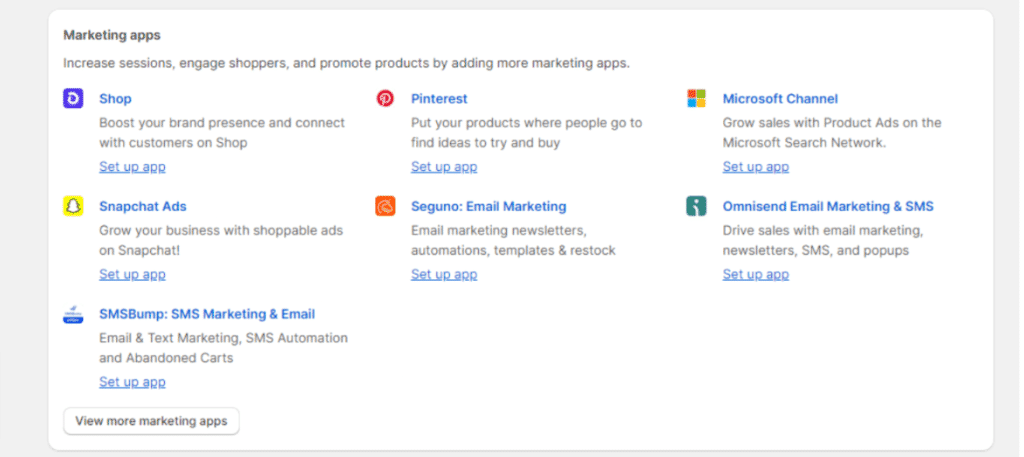
But it doesn’t stop here; the platform also helps you with search engine optimization, eventually improving your product visibility. I found Shopify’s SEO features were better than those of other site hosting platforms. It allows you to easily add and change your product’s titles, descriptions, etc.

Plus, at the end of the products page, you can optimize the meta title, title of the page, and the URL for your product.
This step is crucial as it boosts the visibility of your products on different search engines. Additionally, it also helps you rank your product for the specific keywords you have used.

The platform also handles the loading time, redirects, and SSL certificate. Hence, you will not have to worry about these parameters as a beginner or an intermediate user. (These features make Shopify stand out among other website builders.)
I almost forgot to add the new site speed report that provides insights into the time required for your website to load and tips to optimize the speed.
2. Inventory Management
Shopify offers an exclusive inventory management tool that helps you keep track of the stock inventory of up to 1,000 different locations. Using this unique feature, you can also add products and attach a special SKU code to them.
3. Access to HTML and CSS
4. A dedicated YouTube Channel
What’s New With Shopify?
Entering the club of modern tools and software offering AI features, Shopify has recently announced a huge upgrade to its Sidekick.
The Shopify Sidekick can now analyze deeper data, and it speaks 20 languages. As a beginner or first-time Shopify user, the Sidekick can be your buddy that will resolve all your doubts, and be handy in your day-to-day tasks to be done on Shopify.
It can write product descriptions, create collections, generate AI-assisted images, and a lot more.
But the best part about the Sidekick is its ability for deeper analysis, and synthesising complex data into relevant, understandable charts.
Shopify POS
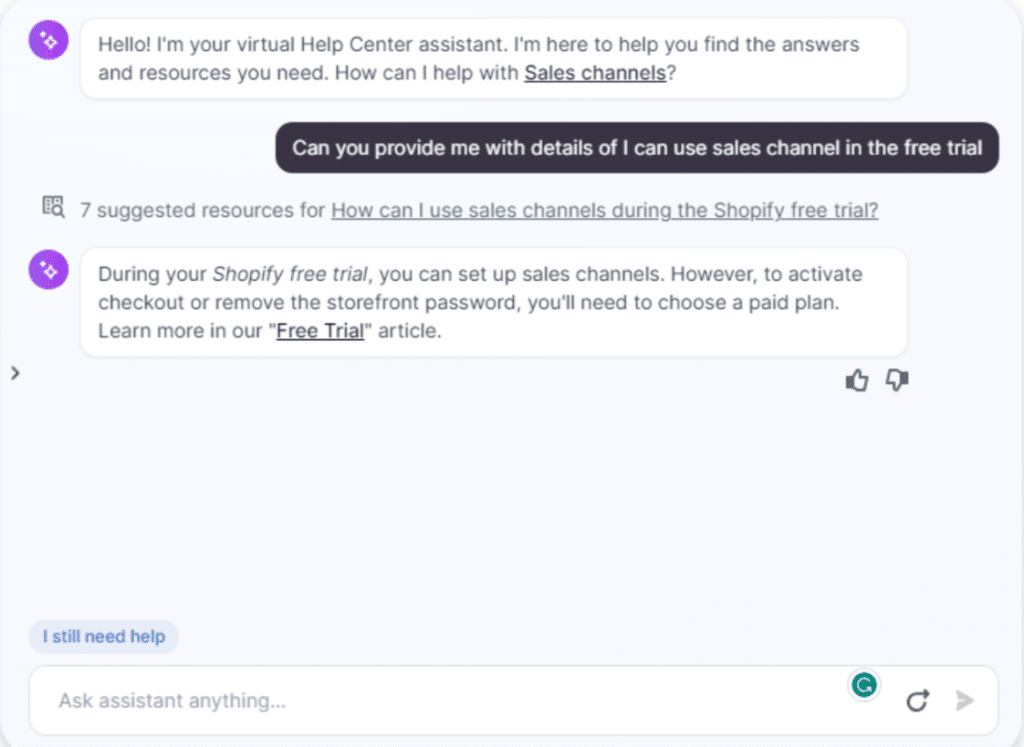
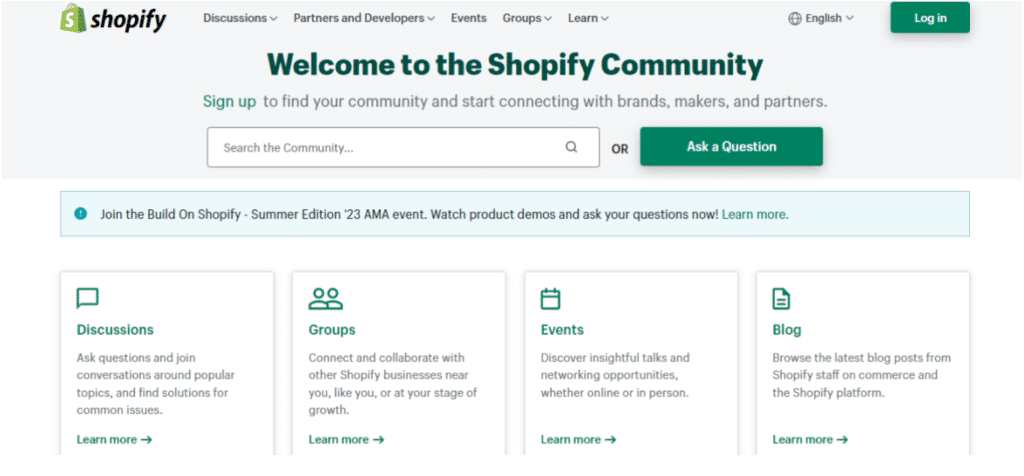
Shopify Customer Support


Can You Migrate Your Store To Shopify?

How To Get Started With Shopify?


Shopify Reviews (From Experts & Users)
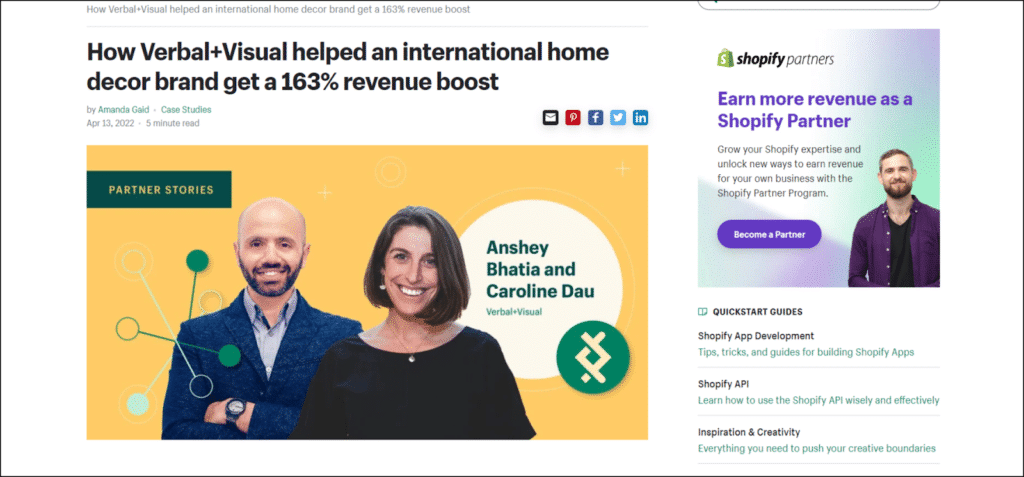
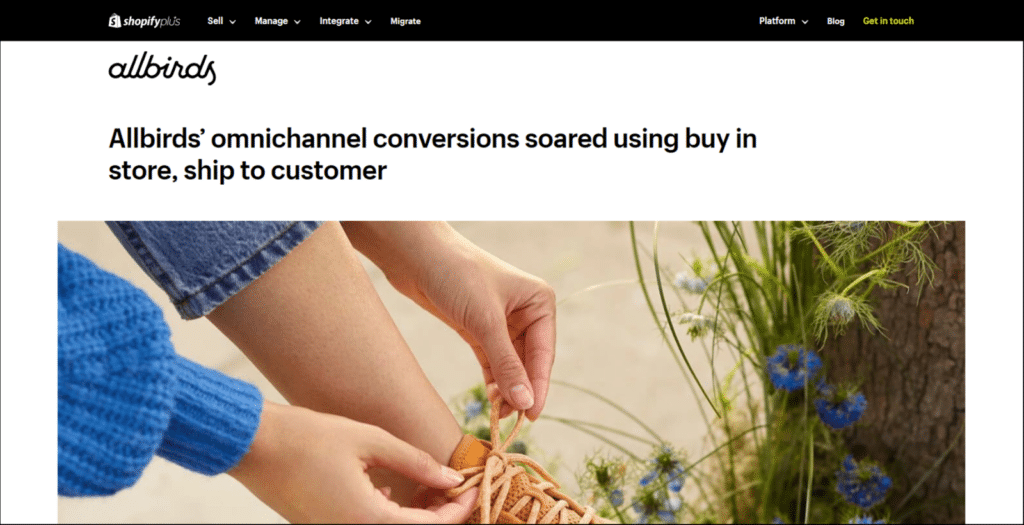
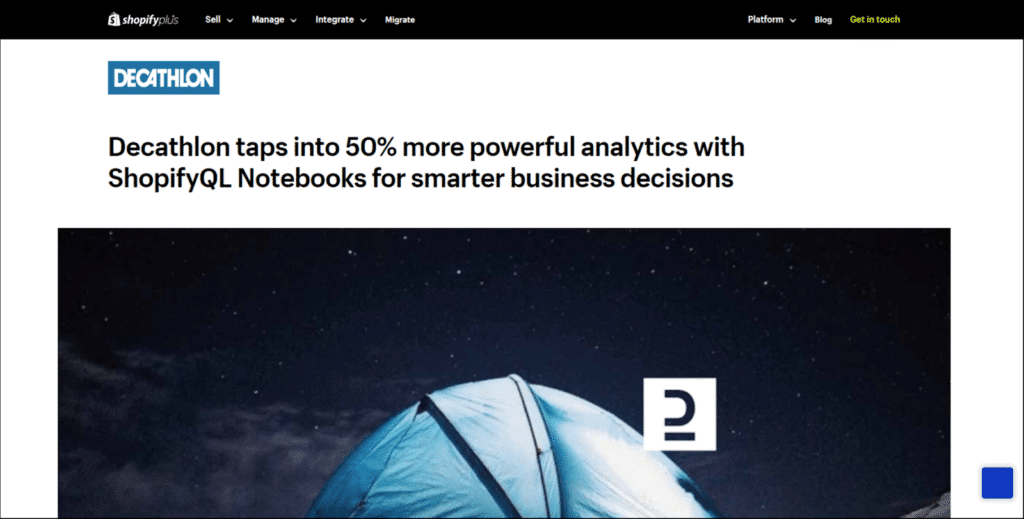
Shopify User Case Studies
Shopify Alternatives: Does It Beat Other Platforms?
1. Shopify vs Squarespace
2. Shopify vs Wix
3. Shopify vs WooCommerce
Verdict: Launch Your Shopify Store With Just a $1 Per Month Investment
Once you learn the basics and develop a steady store structure, you can switch the plans as your business grows and scale up its potential.
Happy selling!
FAQs

Hello! I’m Atharva, the lead eCommerce writer at DemandSage, specializing in Shopify, Amazon FBA, and dropshipping. As a part-time online seller, I bring hands-on experience to my work. I’m passionate about reviewing the latest eCommerce tools and crafting comprehensive guides.